
Most Shopify store owners think their platform handles SEO for them.
That’s a dangerous assumption. I’ve audited dozens of Shopify stores where the owners were bleeding organic traffic for months: sometimes years: because they trusted the “SEO-friendly” marketing on Shopify’s sales page.
Here’s the truth: Shopify is a solid ecommerce platform. But out of the box, it creates technical SEO problems that will tank your visibility if you don’t address them. Auto-generated URLs, duplicate content nightmares, bloated theme code: these aren’t edge cases. They’re standard Shopify behavior.
If you’re searching for Shopify technical SEO help, you’re already ahead of most store owners. But before you hire anyone or install another app, here are 10 things you absolutely need to understand.
1. Crawlability Isn’t Guaranteed: You Have to Earn It
Search engines can only rank pages they can find. Shopify’s nested collection structure and auto-generated URLs create crawl loops that waste Googlebot’s time on pages that don’t matter.
I recently audited a Shopify Plus store with 4,000 products. Google was spending 60% of its crawl budget on filtered collection pages that had zero search intent. The actual product pages? Barely touched.
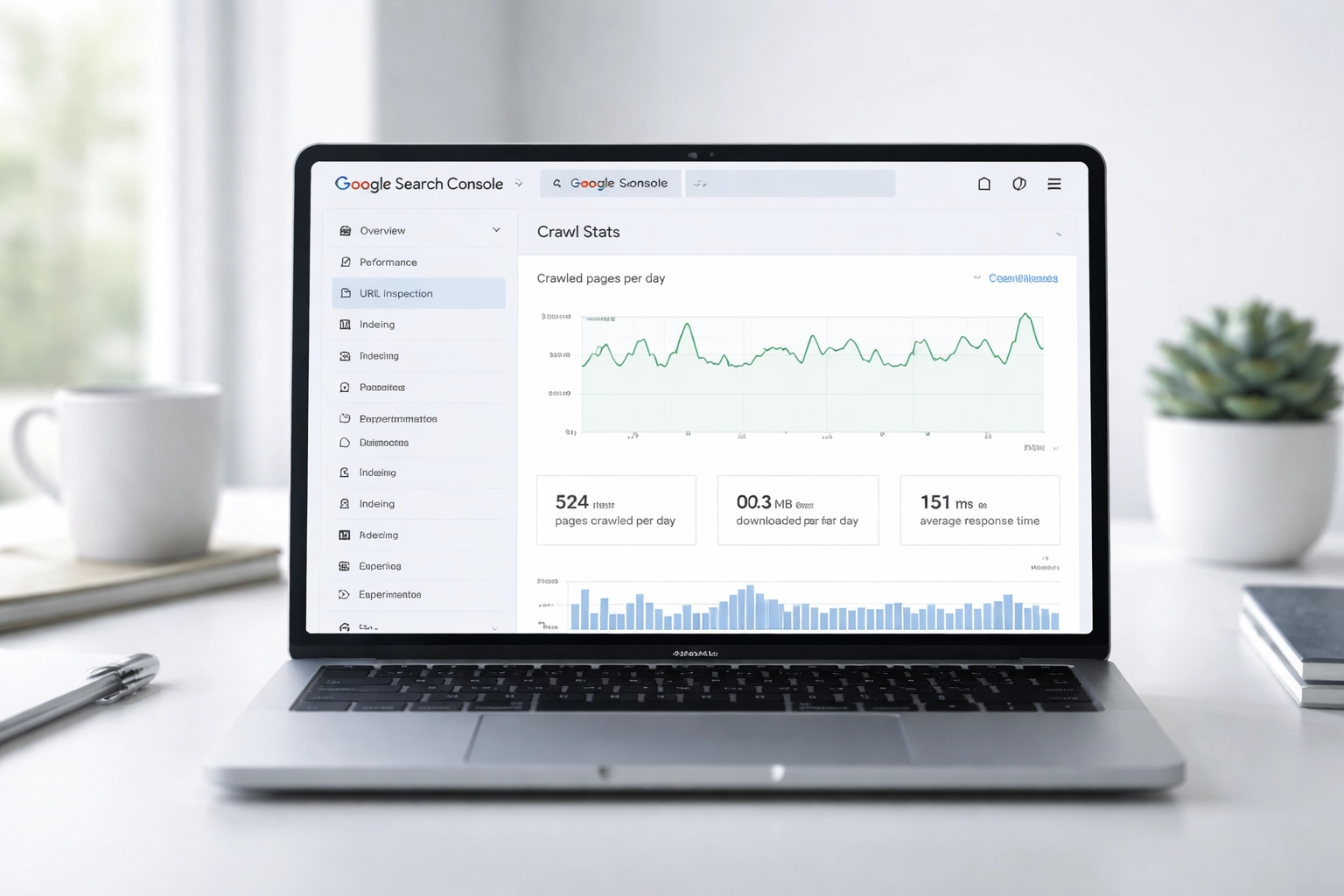
Flatten your navigation. Eliminate redundant collection links. Use Google Search Console’s crawl stats report to see where bots are actually spending their time: not where you assume they are.
2. Being Crawled and Being Indexed Are Two Different Problems
Getting crawled doesn’t mean you’re indexed. Getting indexed doesn’t mean you’re ranking.
Shopify’s default robots.txt blocks certain paths, and theme developers sometimes add noindex tags to pages without telling you. I’ve seen stores accidentally blocking their entire /collections/ directory because someone copy-pasted a robots directive from a forum without understanding it.
Check your meta robots tags manually. Run a Screaming Frog crawl and filter by indexability. If you’re relying on Shopify apps to “handle” this for you, verify their work. Trust but verify: emphasis on verify.
3. Your Theme Is Probably Slower Than You Think
That beautiful premium theme you paid $350 for? It’s likely shipping 2MB of JavaScript you don’t need.
Site speed directly impacts both rankings and conversions. Google’s made this clear. But here’s what most store owners miss: Shopify themes are built to look good in demos, not to perform well under real-world conditions with your actual product catalog.
Bulk image optimization helps. Lazy loading helps. But if your theme’s foundation is bloated, you’re putting lipstick on a pig. I’ve seen stores cut their load time in half just by switching to a lighter theme and rebuilding their customizations properly.
Want to know if your speed scores are actually meaningful? Your green PageSpeed score might be lying to you.
4. Mobile-First Indexing Isn’t Optional
Google uses the mobile version of your site for indexing and ranking. Not sometimes. Always.
If your mobile experience is clunky: slow load times, tiny tap targets, content hidden behind accordions that Googlebot can’t parse: your desktop performance doesn’t matter. You’re being judged by your mobile site whether you like it or not.
Test your store on actual devices. Not just Chrome DevTools. Load it on a three-year-old Android phone over a 4G connection. That’s closer to what your customers: and Google: actually experience.
5. Duplicate Content Is Shopify’s Default Setting
This is where Shopify actively works against you.
Every product in Shopify gets a canonical URL at /products/product-name. But when that product appears in a collection, Shopify creates another URL: /collections/collection-name/products/product-name. Same content. Different URL. Duplicate page.
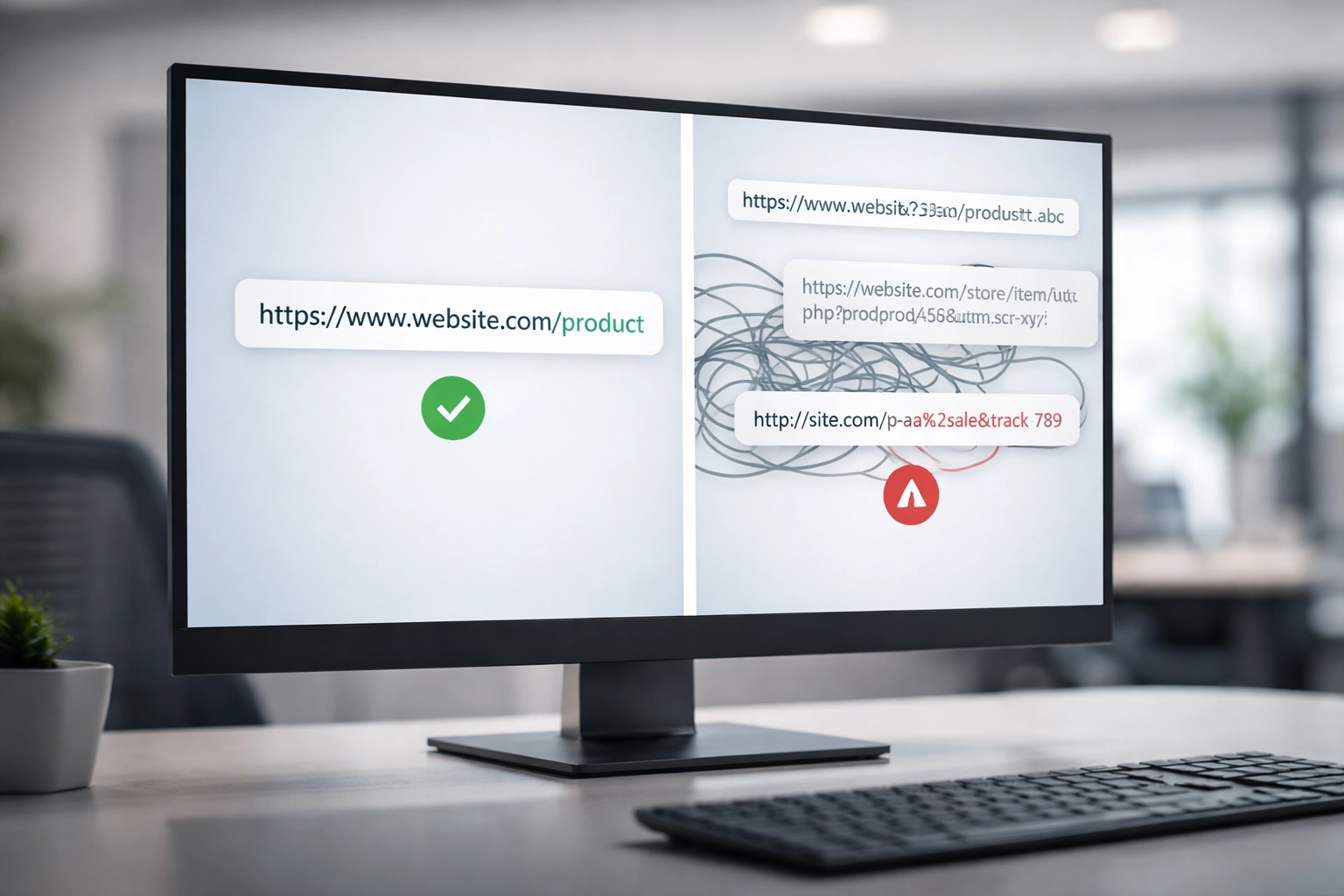
Shopify adds canonical tags pointing to the clean URL, which helps. But apps, custom code, and theme modifications can break these canonicals without warning. I’ve audited stores where 40% of their product pages had incorrect or missing canonical tags.
Check them. Manually. Don’t assume Shopify’s handling it correctly because the documentation says it should.
6. Structured Data Is Your Competitive Advantage
Most Shopify stores either have broken schema markup or none at all.
Structured data tells Google exactly what your products are: price, availability, reviews, SKU. When implemented correctly, you get rich snippets in search results. Those stars and prices you see in Google Shopping results? That’s schema doing its job.
Shopify themes include basic product schema, but it’s often incomplete or outdated. Missing aggregate ratings, incorrect price formats, absent availability status: these errors prevent your products from qualifying for rich results.
Use Google’s Rich Results Test on your actual product pages. Not your homepage. Your product pages. That’s where the money is.
7. Internal Linking on Shopify Requires Manual Effort
Shopify doesn’t build intelligent internal link structures for you. You have to architect them yourself.
Orphan pages: products with no internal links pointing to them: are invisible to search engines. They might as well not exist. Breadcrumb navigation helps. Related product widgets help. But strategic internal linking through collection descriptions and blog content is what actually moves the needle.
I link new products from existing high-authority pages. I create “best of” collection pages that funnel link equity to products I want to rank. This isn’t automated. It’s intentional architecture.
8. URL Structure Matters More Than You’ve Been Told
Shopify forces a URL structure on you: /collections/, /products/, /pages/. You can’t change it without apps or workarounds that create their own problems.
This isn’t ideal for SEO purists who want clean, flat URLs. But it’s workable if you understand the constraints.
What kills you is inconsistency. Using /products/blue-widget in some places and /collections/widgets/products/blue-widget in others creates canonicalization confusion. Pick one structure and enforce it site-wide. Audit your internal links to make sure they all point to the canonical version.

9. Apps Can Destroy Your Technical SEO
Every Shopify app you install adds code to your store. Some of it stays even after you uninstall the app.
I’ve found stores with five different analytics scripts running because previous apps left zombie code behind. I’ve seen apps inject noindex tags into product pages. I’ve watched page speed tank by 3 seconds because a “helpful” app loaded 400KB of JavaScript on every page load.
Audit your apps ruthlessly. If you’re not actively using it, remove it: and then check your theme files for leftover code. This is technical debt that compounds over time.
10. You Need Regular Audits, Not One-Time Fixes
Technical SEO isn’t a project. It’s maintenance.
Shopify pushes updates. Themes change. Apps update their code. Your team adds products and collections. Every change is an opportunity for something to break.
I recommend a monthly 30-minute routine: check crawl stats, verify canonical tags on new products, review Core Web Vitals, audit internal links to recent additions. Small investments in ongoing maintenance prevent catastrophic problems from compounding.
If you want to understand why technical health is the first step in SEO, start there before you spend another dollar on content or backlinks.
The Bottom Line
Shopify technical SEO isn’t about installing the right app or following a checklist. It’s about understanding how search engines interact with your specific store configuration and fixing the gaps that Shopify’s defaults create.
Most agencies treat Shopify stores identically. They run the same audit template, recommend the same apps, and move on to the next client.
That’s not how I work. Every Shopify store has different themes, different apps, different technical debt. The problems are specific. The solutions should be too.
If your Shopify store’s organic traffic has plateaued: or worse, declined: and you don’t know why, let’s find out. What does your crawl stats report actually show?